
About
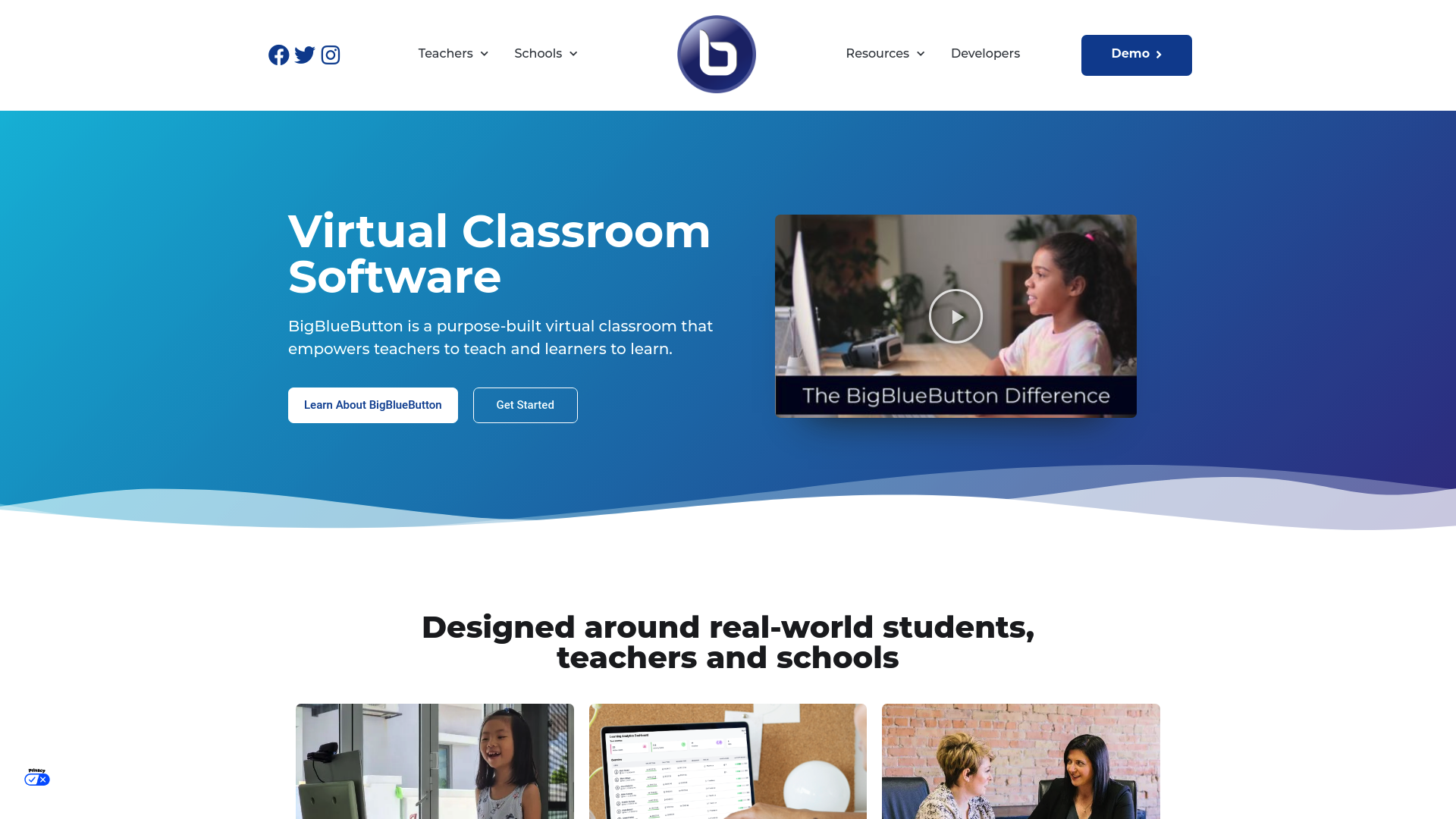
BigBlueButton is a purpose-built virtual classroom designed to enhance the teaching and learning experience. Developed by the Technology Innovation Management (TIM) program at Carleton University, this open-source web conferencing system integrates seamlessly with major learning management systems to provide an intuitive and engaging online education platform. Every day, millions of educators and learners around the world use BigBlueButton for their online classes in over 65 languages. BigBlueButton is highly adaptable, making it suitable for K-12 education, higher education, and even government training programs. Its features are built around real-world educational needs, making it easier for teachers to focus on lessons and for students to stay engaged. The platform's ease of use and robust feature set have made it the default virtual classroom for many LMS vendors, including Canvas, Moodle Cloud, Sakai, Jenzabar, D2L, and Schoology.