
About
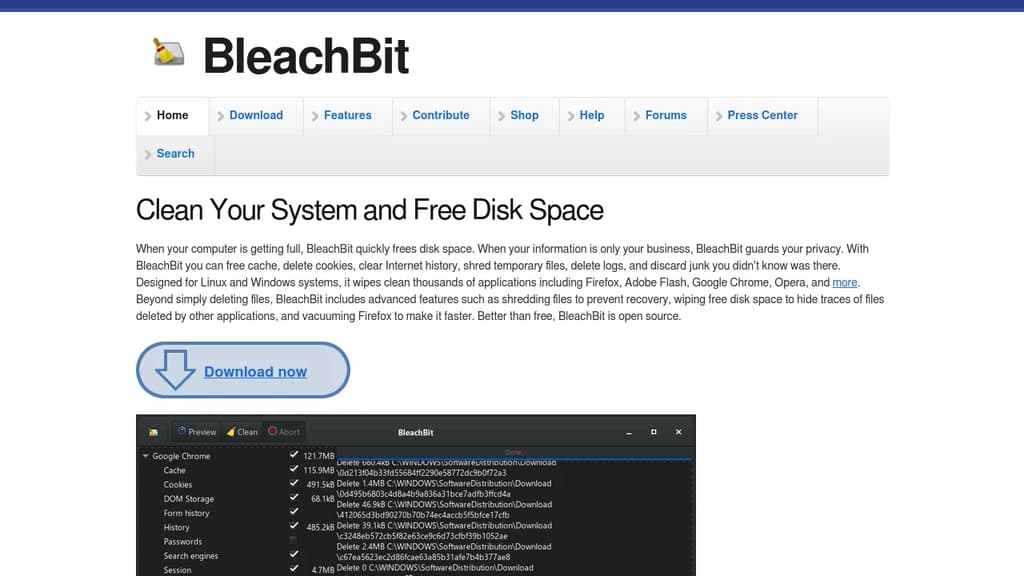
BleachBit is a powerful system cleaner designed for both Linux and Windows platforms. It helps you free up disk space quickly and efficiently while ensuring your privacy is safeguarded. With BleachBit, you can clear cache, delete cookies, erase Internet history, shred temporary files, delete logs, and eliminate other junk files you weren't even aware of. BleachBit supports thousands of applications, including popular ones like: Firefox, Adobe Flash, Google Chrome, Opera and more. Beyond simple file deletion, BleachBit offers advanced features to ensure thorough cleaning and data protection. Key Features: BleachBit is not just free but also open-source, allowing users to contribute and improve it continually. Its comprehensive features make it a valuable tool for anyone looking to maintain a clean and efficient system while protecting their privacy.