
About
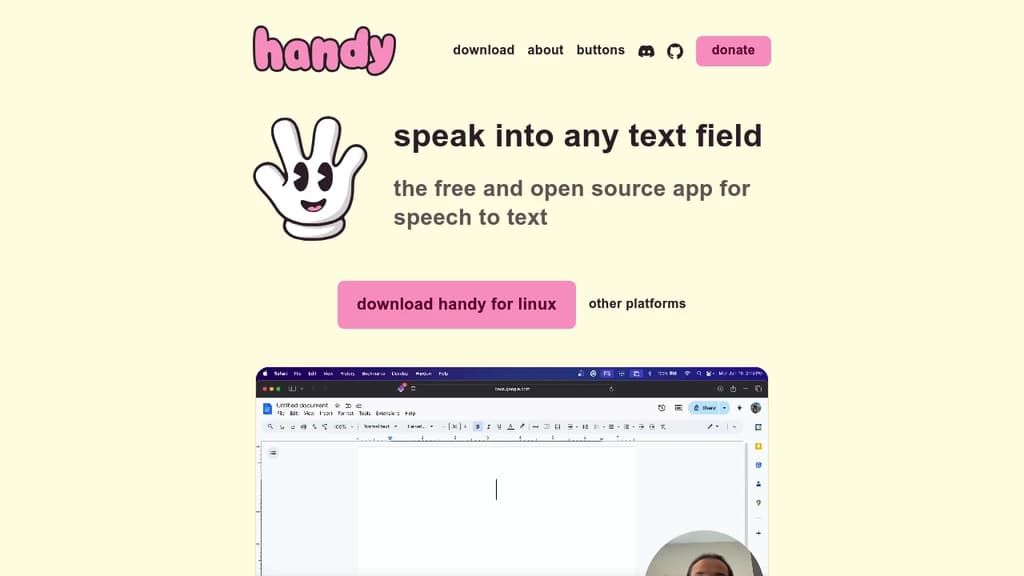
Transform your voice into text instantly with this completely free and open-source speech recognition tool. Simply press a customizable keyboard shortcut, speak your message, and watch as your words appear directly in any text field. Key benefits include: Perfect for users with mobility challenges, busy professionals who need hands-free typing, or anyone looking to speed up their workflow. The application runs entirely offline, ensuring your sensitive conversations and data remain completely private. Built for accessibility first - this tool puts powerful speech recognition technology in everyone's hands without complicated setup or ongoing costs. Customize the keyboard shortcuts to match your preferences and start dictating immediately.