
Tool dossier

Lost Pixel

Automated visual testing tool that detects UI changes, ensures consistency, and accelerates development workflows.

3 sources 1,656 stars MIT

Product snapshot

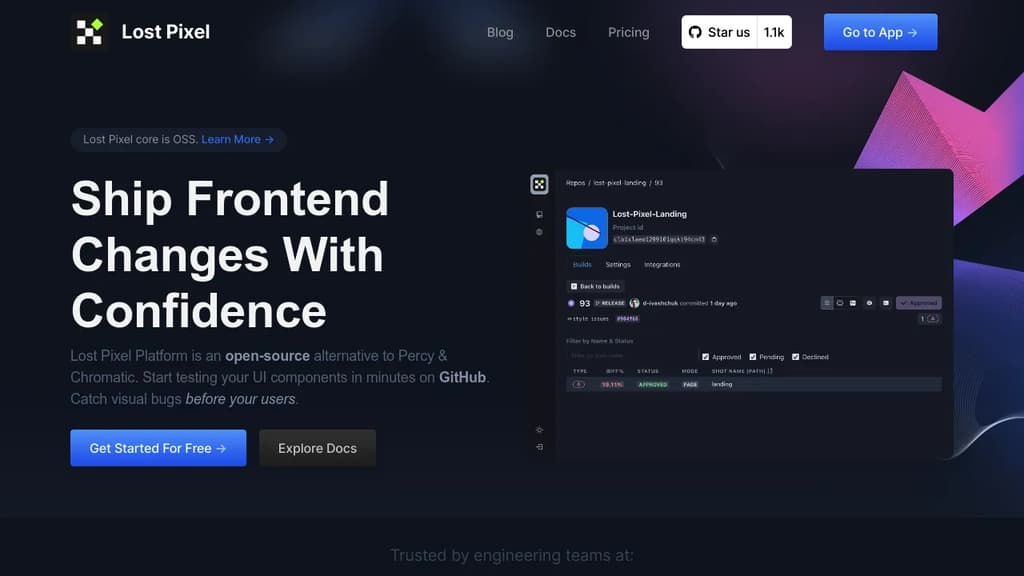
How the interface presents itself

Lost Pixel interface screenshot

Positioning

What this project is really offering

The goal here is to separate raw catalog facts from the sharper product shape users care about before they commit time.

About

Lost Pixel is a comprehensive visual testing tool designed for frontend development projects. It allows developers to detect and prevent visual regressions by comparing screenshots of different versions of their applications. With Lost Pixel‚ developers can easily identify unintended visual changes caused by code modifications and ensure consistency in the appearance of their web pages across different browsers and devices. By integrating Lost Pixel into their development workflow‚ teams can streamline the testing process and deliver high-quality user experiences with confidence.

Highlights

The capabilities most worth remembering

01

Effortless Integration

02

Comprehensive Coverage

03

Intelligent Comparison

04

Flexible Configuration

05

Collaborative Workflow

06

Time-Saving Automation

07

First Class GitHub Integration

08

Power of Composition

09

Streamlined Review Flow

10

Mask Elements

11

Execute Browser Code

12

Set Thresholds

13

Multiple Browsers

14

Multiple Breakpoints

15

Speedy Execution

16

Approval Flow

17

Fight Flakiness

Evidence

What backs up the editorial summary