
Tool dossier

OpenScreen

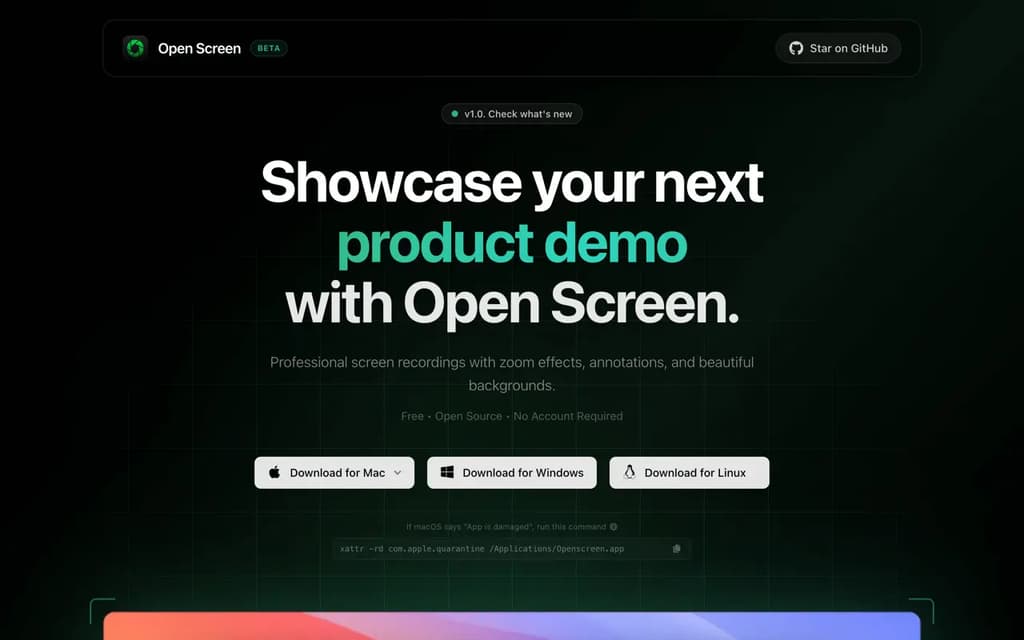
Free, open-source screen recording tool with professional zoom effects, annotations, and beautiful backgrounds. No account required, perfect for demos.

1 sources 29,478 stars MIT

Product snapshot

How the interface presents itself

OpenScreen interface screenshot

Positioning

What this project is really offering

The goal here is to separate raw catalog facts from the sharper product shape users care about before they commit time.

About

Professional screen recordings made simple. Open Screen delivers all the essential features you need to create compelling product demos and tutorials without the complexity of expensive software. Key Features: Perfect for creators, developers, and designers who need to showcase their work professionally. Whether you're creating product demos, tutorials, or presentations, Open Screen provides the tools to make your content stand out. Why Choose Open Screen: Available for Mac with an easy download process. The development team is committed to regular updates and improvements based on user feedback.

Highlights

The capabilities most worth remembering

01

Zoom effects

02

Rich annotations

03

Beautiful backgrounds

04

Clean, intuitive interface

Evidence

What backs up the editorial summary

Primary source links