
Tool dossier

Sol

A modern macOS launcher that provides instant access to applications, utilities, and system functions through an elegant and efficient interface.

1 sources 2,847 stars MIT

Product snapshot

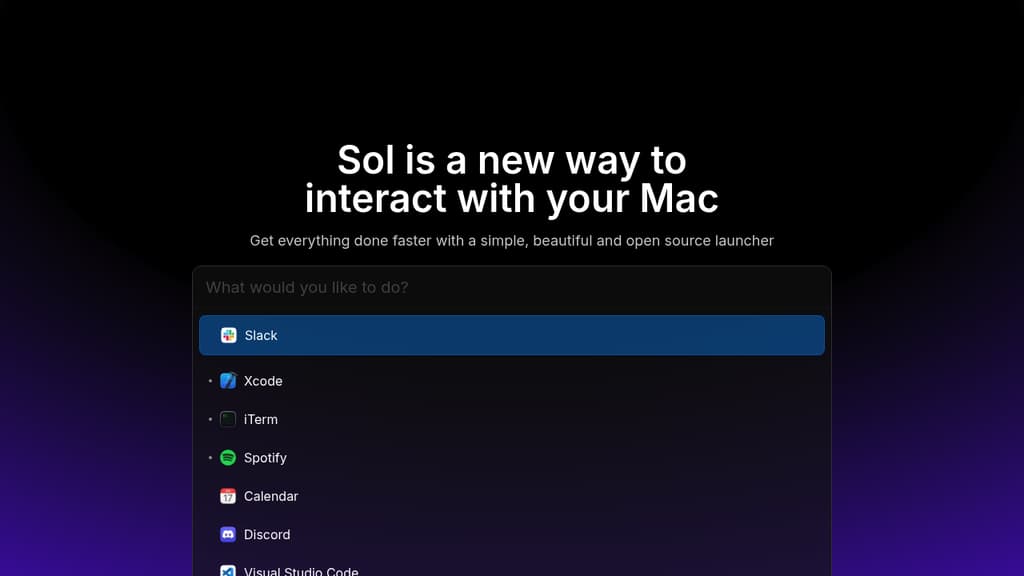
How the interface presents itself

Sol interface screenshot

Positioning

What this project is really offering

The goal here is to separate raw catalog facts from the sharper product shape users care about before they commit time.

About

SOL is a powerful productivity enhancer for Mac users that combines multiple utilities into one sleek launcher. The tool offers quick access to applications, seamless file search, and essential utilities like emoji picker, calculator, and clipboard manager. Key features include: The launcher's clean interface and keyboard-driven workflow help you navigate your Mac faster and reduce time spent switching between different tools. With its open-source nature, SOL provides transparency and customization options for power users.

Highlights

The capabilities most worth remembering

01

Instant app launching and switching

02

Built-in window management capabilities

03

Calendar integration with menu bar display

04

Browser bookmark access

05

Quick notes functionality

06

Process management tools

07

Translation between multiple languages

08

Media key forwarding for Spotify

09

Notch hiding for MacBook users

10

Developer-focused commands and utilities

Evidence

What backs up the editorial summary

Primary source links