
About
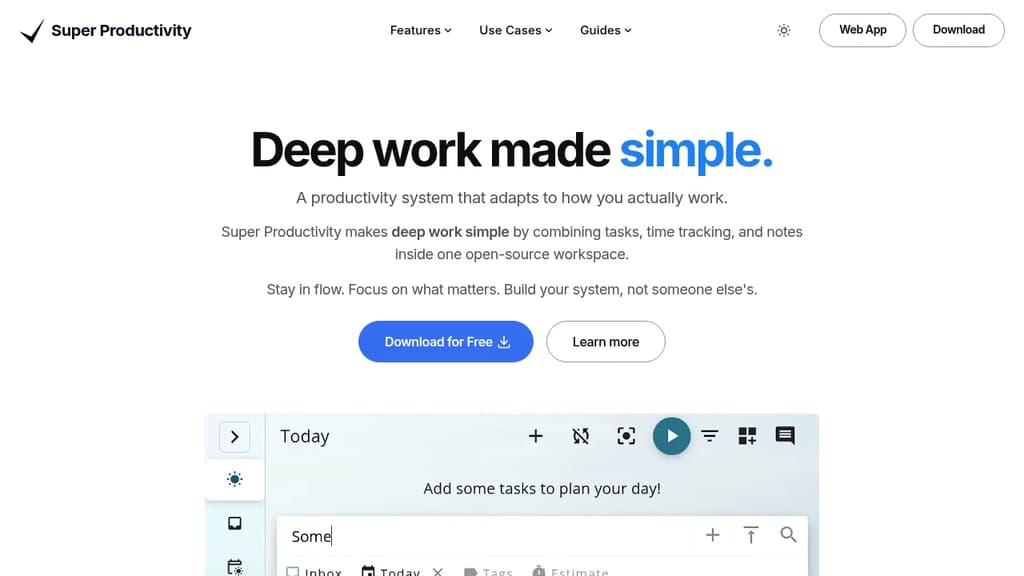
Transform your productivity with a task manager built for deep work. Super Productivity combines task management, time tracking, and note-taking in one privacy-focused workspace that adapts to how you actually work. Key features that set it apart: Perfect for professionals who value privacy and control. No user accounts, no tracking, no vendor lock-in. Export your data anytime in JSON or CSV format. The extensible plugin system lets you customize workflows exactly how you need them. Cross-platform sync via WebDAV and Dropbox keeps your tasks accessible across desktop, web, and mobile. Built-in procrastination helpers use CBT techniques to overcome mental blocks, while comprehensive keyboard shortcuts maximize efficiency for power users.